
Frequently asked questions
- How do I add an item?
-
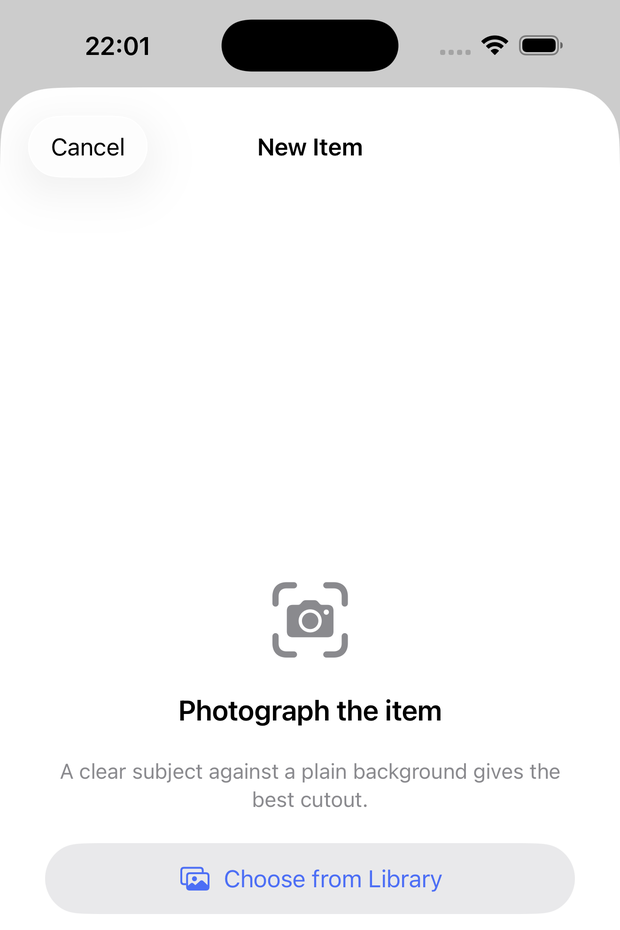
Tap the + button on the main screen, take a photo (or choose one from your library), and give it a name.
- Why does the cutout sometimes look off?
-
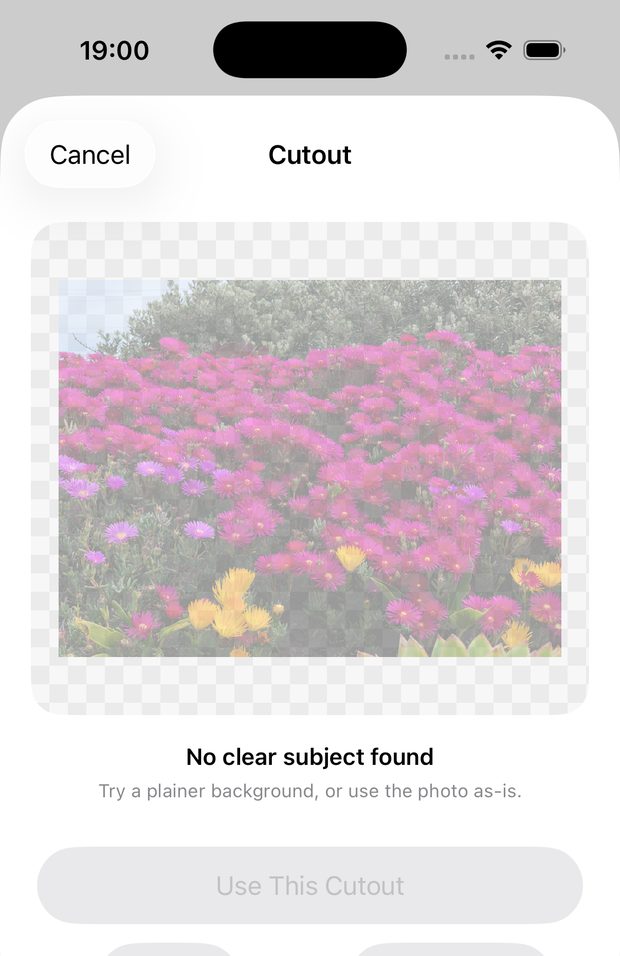
Habitelly uses on-device image recognition to remove the background. It works best with a single clear subject on a plain background. If it doesn't look right, tap Retake, or choose "Use Original" to keep the full photo — a failed cutout never blocks you from creating the item.
- Does Habitelly track my location?
-
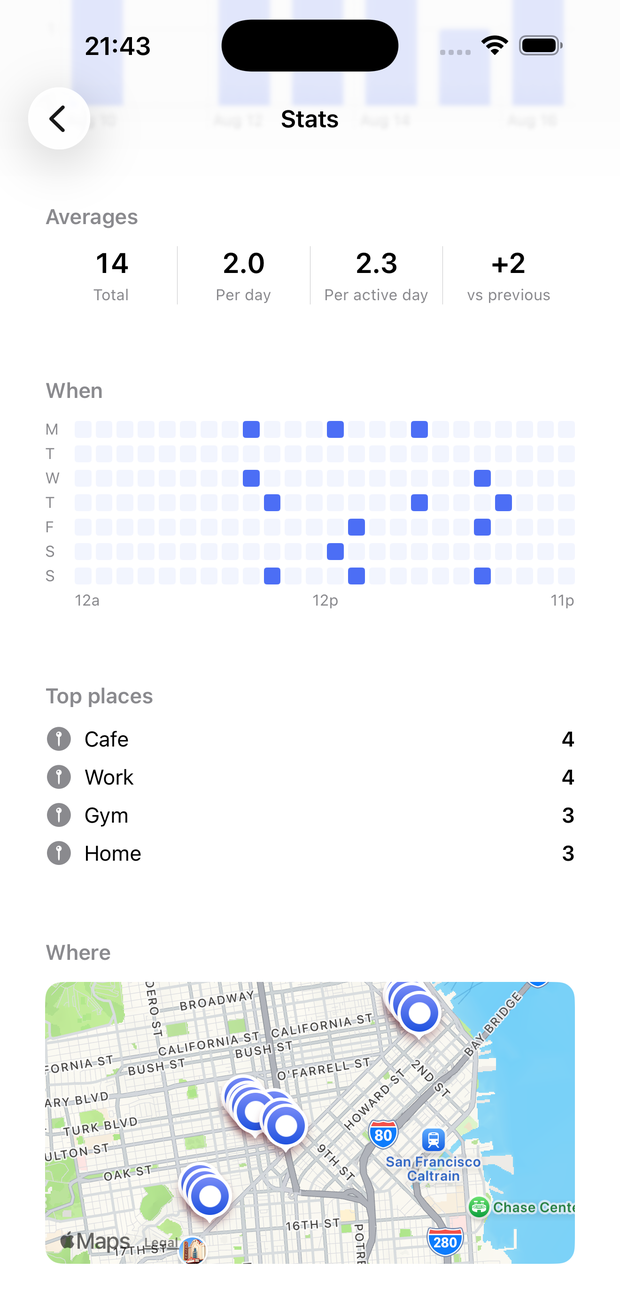
Only if you turn it on for a specific item, in that item's settings. It's off by default and can be turned off at any time. Location data never leaves your device.
- How do reminders work?
-
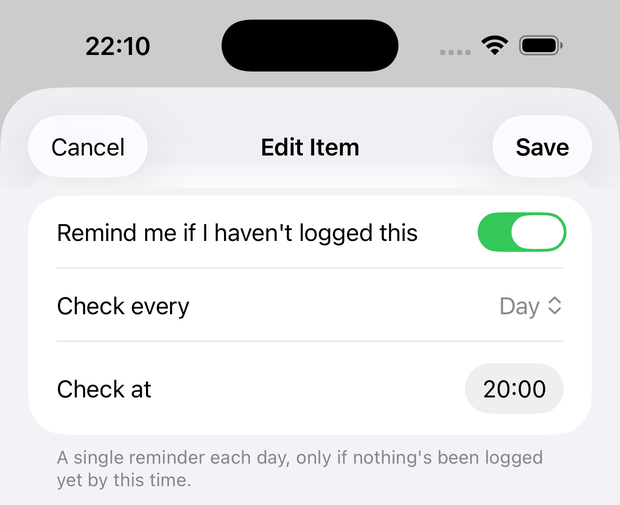
Turn on "Remind me if I haven't logged this" for an item, choose day/week/month and a time, and Habitelly sends a single local notification only if nothing's been logged yet in that period. No account or server is involved — it's a plain notification scheduled on your device.
- How do the widget and Control Center control work?
- Add the Habitelly widget to your Lock Screen or Home Screen, or add "Log a Use" as a Control Center control, then configure it to a specific item. Tapping it logs a use instantly, the same as tapping the tile in the app.
- Can I use Siri?
- Yes — try "Add usage of [item name] in Habitelly." Siri needs the app name in the phrase; if you'd like a shorter custom phrase, record one yourself for the "Log a Use" shortcut in the Shortcuts app.
- How do I export my data?
-
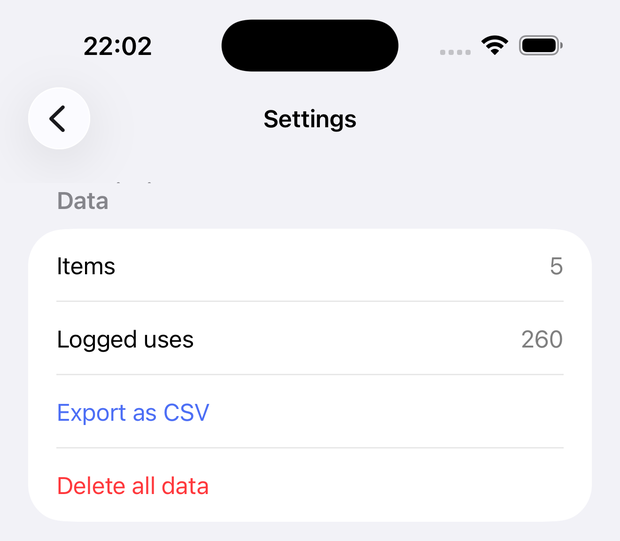
Settings → Export as CSV shares a spreadsheet-ready file of every logged use via the share sheet.
- How do I delete my data?
- Settings → Delete all data removes everything permanently. Deleting the app does the same.
- I have a question that's not here
- Email support@lesslittlecorner.network and we'll help.